PlusSmart · PlusSmart industrial computer vision
PlusVision™ – AI cameras for plants: real-time detection of leaks, overflows, smoke, fire and safety violations
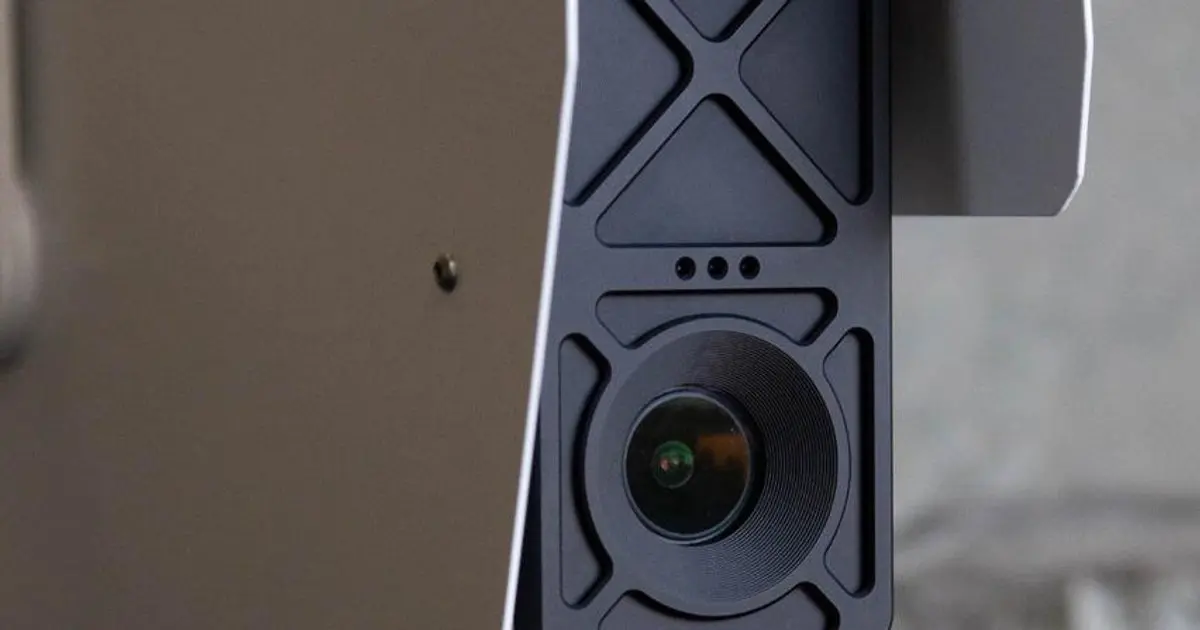
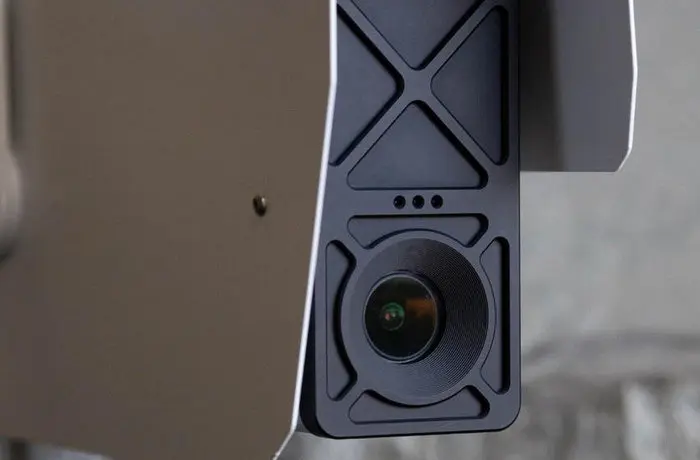
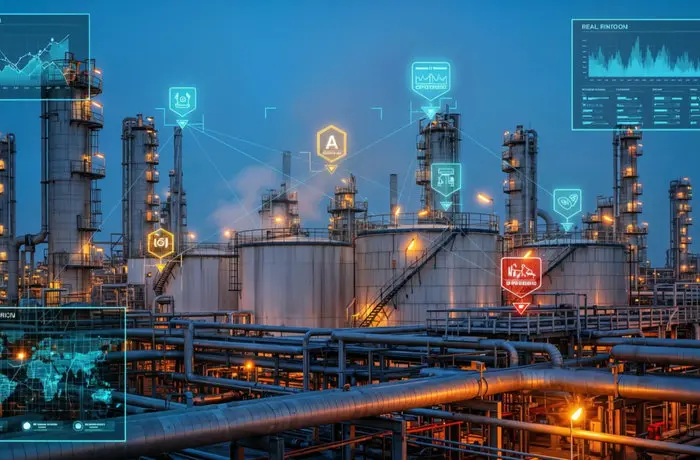
PlusVision runs AI directly on the camera or an edge station, on existing video streams or new industrial cameras – no heavy servers, no dependence on slow cloud links. Video is analysed on site and turned into alerts for the right people, integrated with SCADA, historian and DCS.
- Edge AI
- Leaks · overflow
- Smoke · fire
- PPE · restricted zones
- REST API
Why edge AI?
| Criterion | Streaming video to cloud/servers | Edge AI (PlusVision) |
|---|---|---|
| Bandwidth | Continuous full video, heavy bandwidth | Only alerts and relevant clips |
| Alert latency | Depends on the link – seconds to minutes | Near-instant on site |
| Remote sites, weak networks | Hard to deploy | Keeps working, syncs when connected |
| Security and privacy | Video leaves the plant | Video stays on site; only events are shared |
| Infrastructure | GPU servers or cloud costs | Lightweight Linux on camera/edge station |
What PlusVision detects
Process and equipment
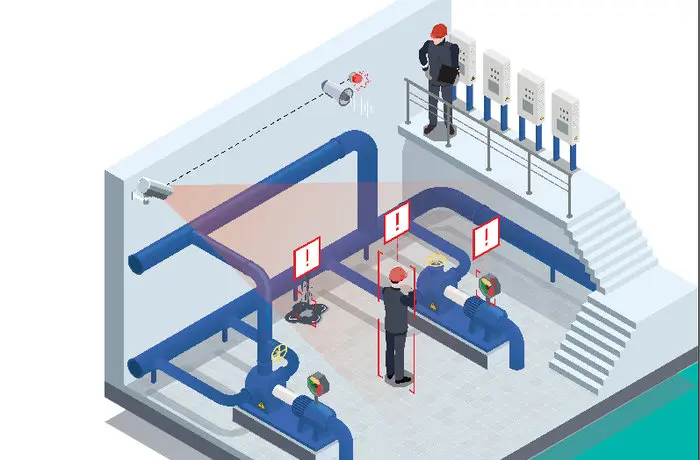
- Pipe leaks, mechanical-seal leaks, oil leaks
- Relief-valve discharge, overheating, smoke, fire
- Reading analogue gauges, valve positions, LOTO isolation
- Tank overflow, blocked sumps, slippery areas, slurry spills
Safety and maintenance
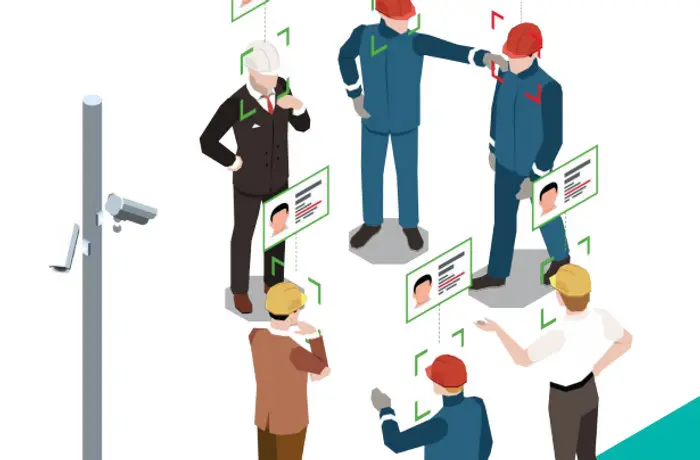
- PPE: helmets, glasses, ear protection, work at height
- Hot-work permits – extinguisher present; confined spaces
- Operator absence, fatigue; slips and falls
- Loading areas: people under loads, vehicle–pedestrian separation
Security
- Perimeter intrusion, unauthorised entry
- Entry to red zones and taped-off areas
- Muster points: who is missing and where
- Smoking in prohibited areas; abandoned or suspicious objects
Deployment steps
- Define goalsSafety, equipment reliability or process efficiency – choose the highest-value locations.
- Choose hardwareExisting IP cameras or new PlusSmart cameras, edge stations, mobile units; set view angle, lighting and distance.
- Integrate and tune modelsConnect SCADA, historian, DCS via REST API; tune models to each area’s conditions.
- Shift-based alertsAlerts to the right person per shift; track precision and improve continuously.
Technical notes for industrial AI cameras
- View and resolution: the object to recognise (an oil drop, a helmet, a gauge needle) must cover enough pixels; gauge reading needs a close camera or a longer focal length.
- Lighting: avoid backlight, consider day–night transitions; dark areas need IR illumination or extra lighting.
- Environment: housing IP rating suited to dust, rain and chemicals; hazardous areas need Ex-certified enclosures.
- OT network: place cameras and edge stations in a segregated zone, opening only the connections needed to SCADA – see OT network segmentation.
Frequently asked questions
Can we use our existing IP cameras?
Yes. PlusVision runs on existing video streams or on new PlusSmart cameras and edge stations.
Do we need a strong Internet connection?
No. Processing happens at the edge, so only alerts and relevant clips are sent – not continuous video.
Does it adapt to our plant?
Yes. Detection models are tuned to the operating conditions and areas of each plant.
Can an AI camera replace patrols?
AI cameras watch fixed locations tirelessly so patrols can focus on what needs action. They complement, not fully replace, field inspection and certified safety systems.
Works with
- i-ALERT® – vibration, temperature and run time for rotating machines
- Poseidon Trident™ – online oil monitoring
- PlusSmart Analytics – visual alerts combined with operating data
Discuss a PlusVision demo for a specific area
Tell us the area and your biggest concern: safety, equipment reliability or process efficiency – or all three. PlusSmart works with your engineers and reliability team to choose a configuration that delivers value quickly, then trials it at a few locations.
Hoan Tran – Sales Director, PlusSmart Vietnam
Phone/Zalo: +84 879 848 668 · Email: sales@hoantrantdh.com